Premium tool
Scorecast
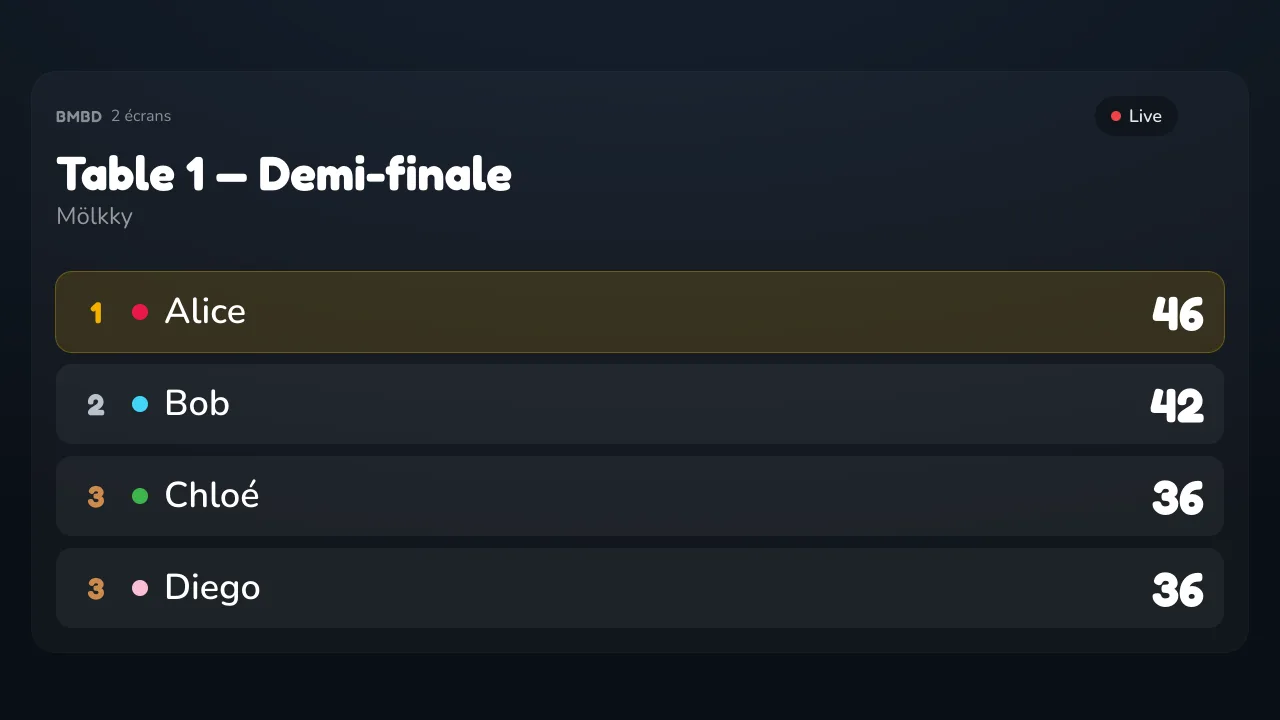
Your game standings, shown large on another screen: the living-room TV, a tablet at the end of the table, the laptop at the campsite. The phone keeps scoring, everyone else looks somewhere better.
The problem it solves
Around a table, one person holds the score — and everyone has to lean over their phone to find out where things stand. Scorecast moves the standings onto a screen the whole table is already looking at.
How it works
1. The phone creates a code
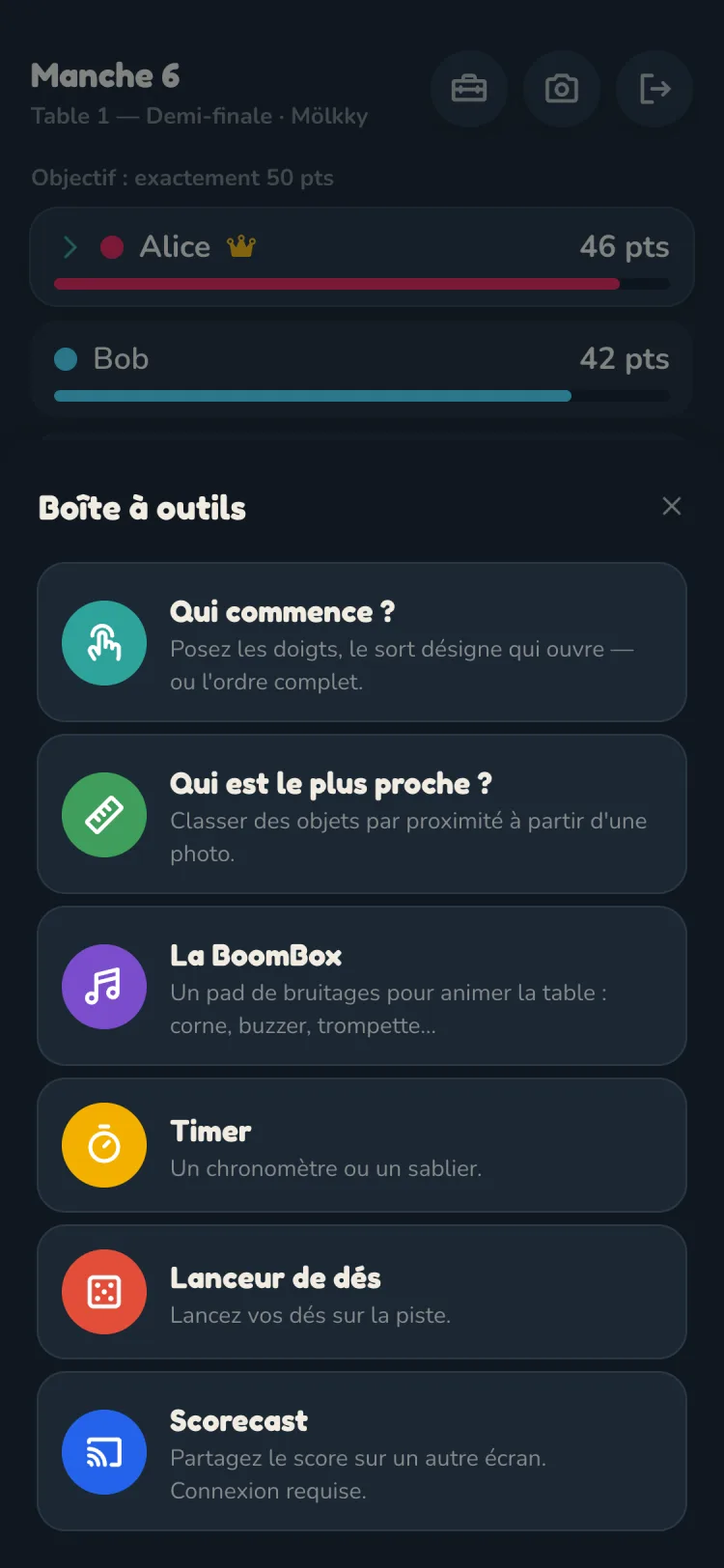
- During the game, open Scorecast from the toolbox
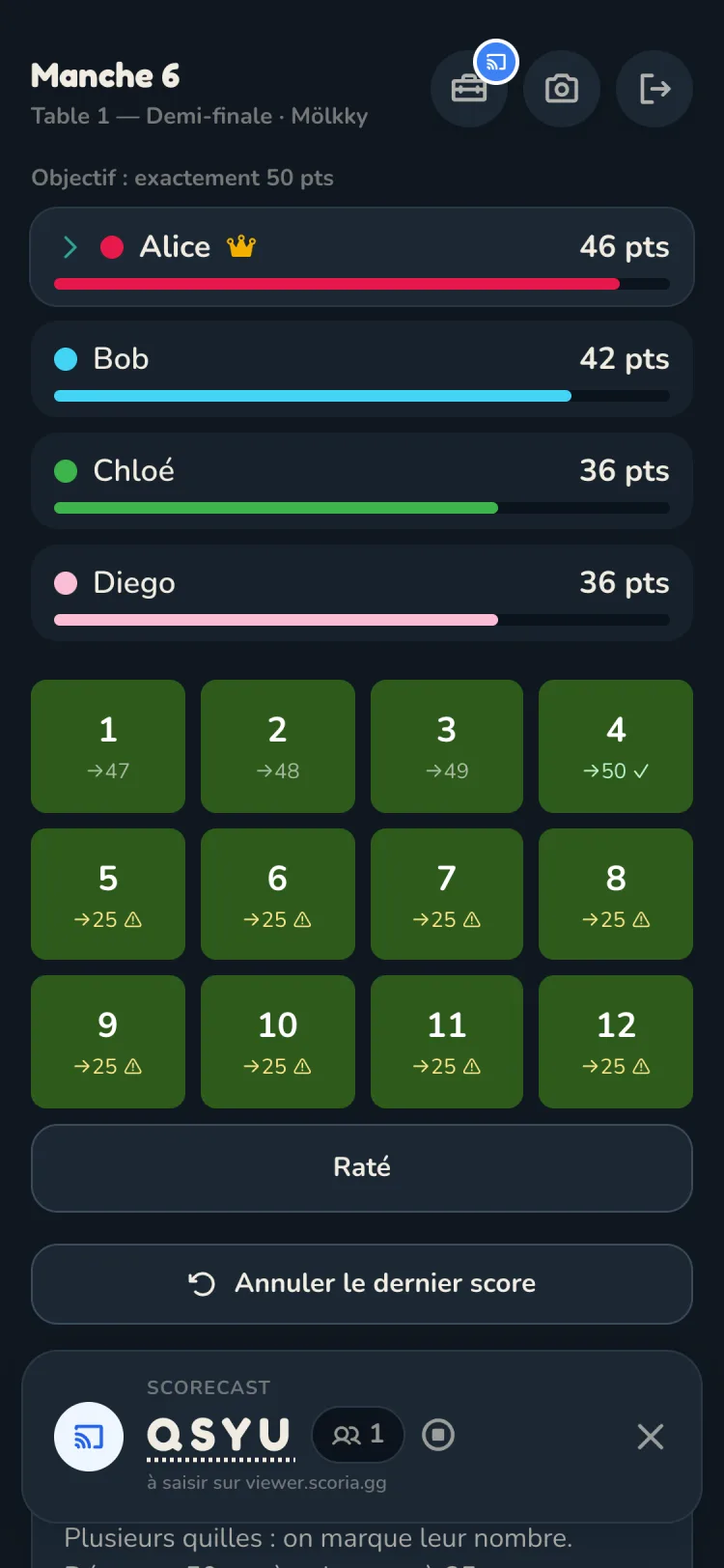
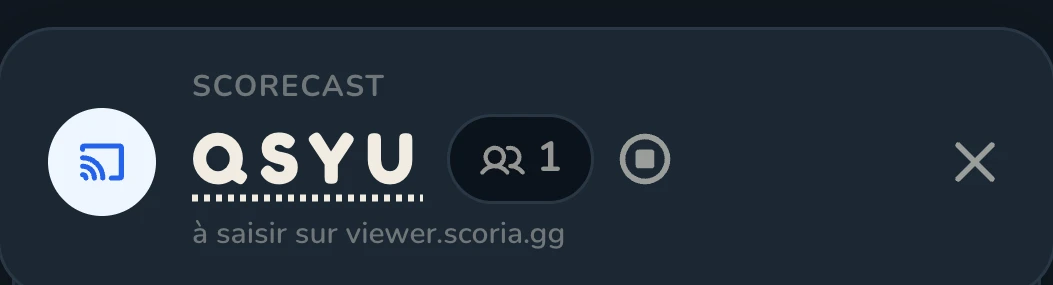
- The app shows a 4-letter code at the bottom of the scoring screen
- The bar shows how many screens are following the game, and a button opens the viewer directly
- Nothing is shared until you create that code
2. The other screen opens the viewer
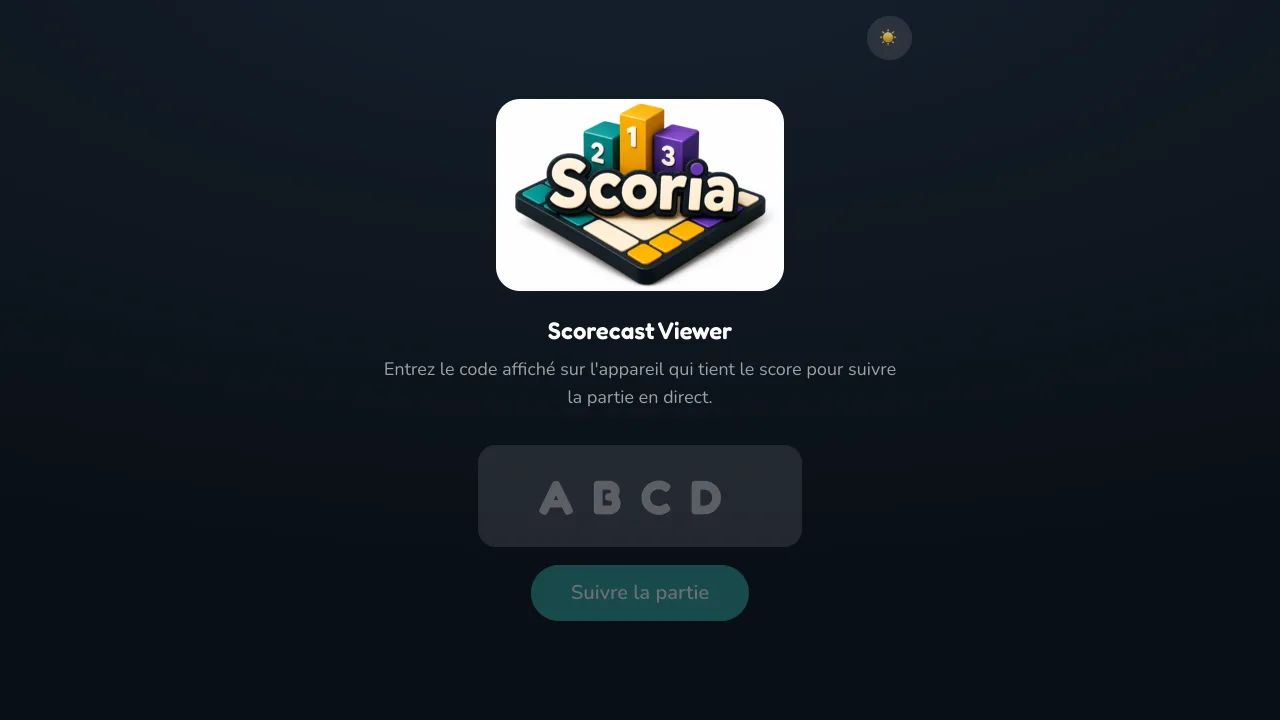
- On the display screen, go to viewer.scoria.gg
- Enter the code, and the standings appear
- Nothing to install: a browser is enough
3. The score follows on its own
- Every point entered on the phone updates the display
- The timer, if one is running, is relayed too
- The screen only displays: the game is driven from the phone alone
Tournament mode: several games on one screen
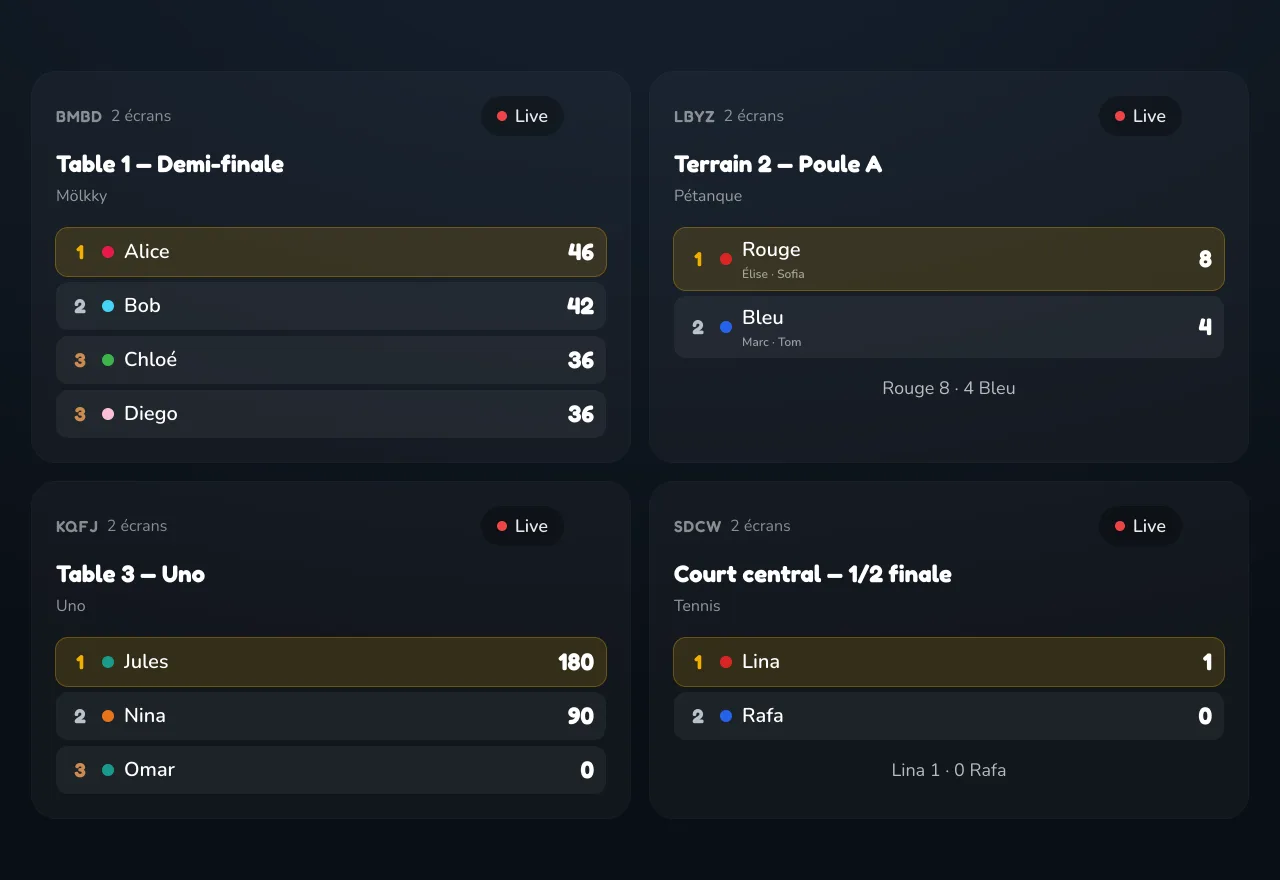
The viewer is not limited to a single game. Add as many codes as you have tables, and the same screen follows them all live.
Grid
- Every game side by side, each with its own standings
- The grid goes from 2 to 4 columns as tables are added
- Automatic scrolling when there are more games than room
Carousel
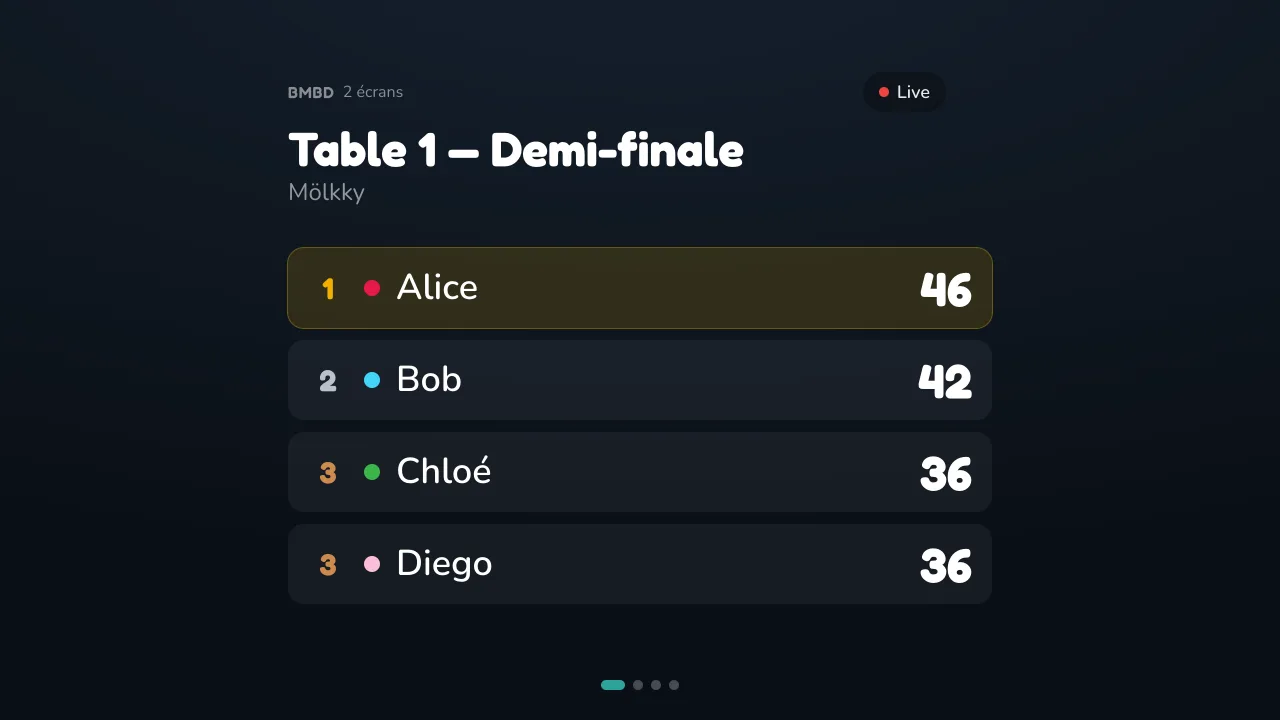
- One game at a time, full screen
- Rotates automatically every 10 seconds
- The right mode for a screen watched from a distance
Each game can carry a name — “Semi-final”, “Table 3” — and that name is what appears on its tile. The codes live in the viewer's address, so the display screen can be set up in advance and bookmarked: the next day, opening it once is enough.
That is what makes Scorecast work for a pétanque tournament at a campsite, a games night across several tables, or a bar showing the evening's scores.
Which screen?
Any of them, as long as it has a browser: smart TV, tablet, laptop, projector. After a few seconds without interaction the interface fades away to leave the score all the room — and animations stop if the device asks for reduced motion.
Light or dark, to suit the place
The viewer switches between dark and light with one tap, and remembers the choice on that screen.
- Dark for an evening indoors, a dimly lit room, the living-room TV
- Light for outdoors in daylight, a tournament at a campsite, a terrace
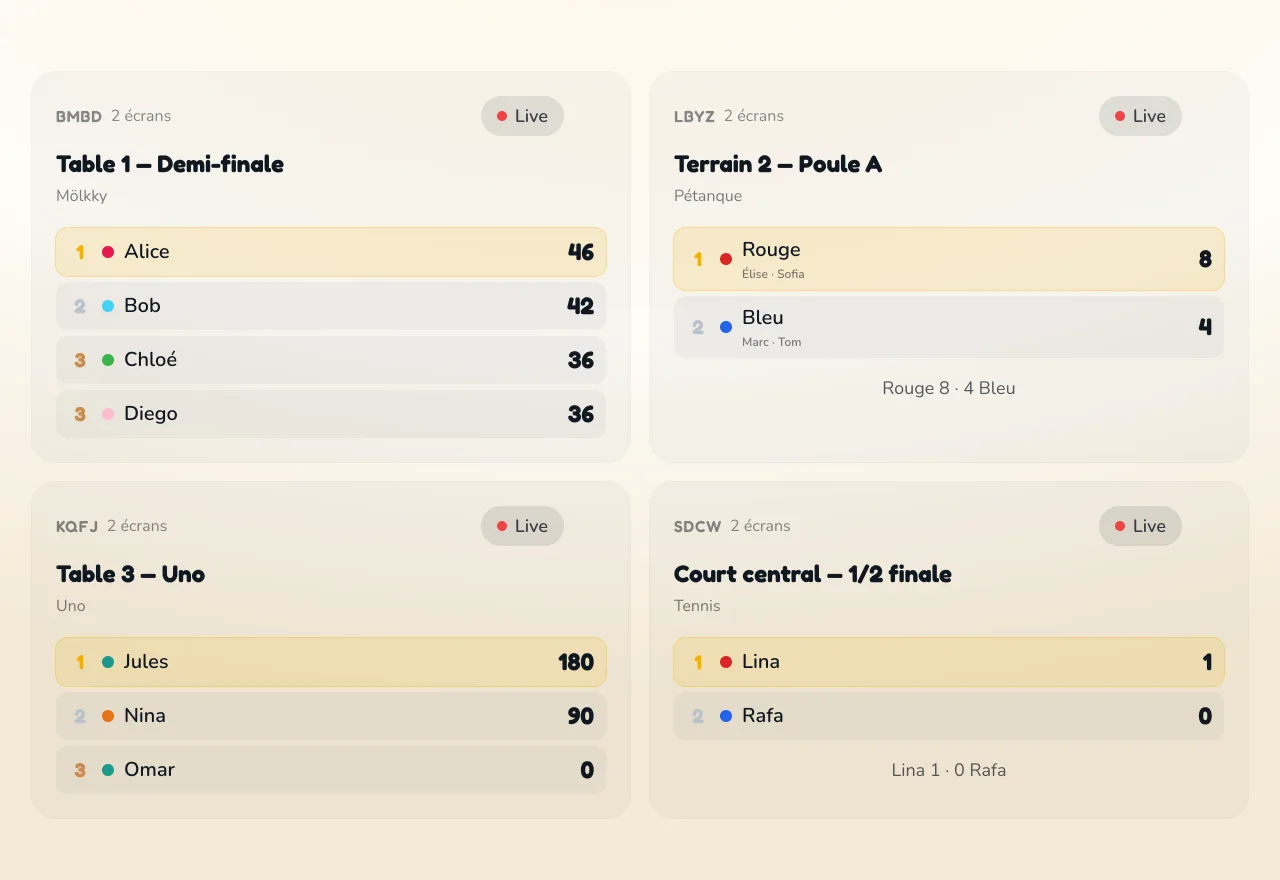
The setting belongs to the display screen: your phone keeps its own.
Good to know
Scorecast is part of Premium, the one-time purchase that also unlocks the whole catalog and the other tools.
It is the only tool that needs a connection. Everything else in Scoria works offline, from the start of the game to the end.
Sharing is voluntary and temporary: nothing leaves your device until you create a code, and the code switches itself off once the game is over or has been left idle.
What travels is limited to what the display needs — the details are in the privacy policy.